> For the complete documentation index, see [llms.txt](https://help.holixa.com/holixa-tools4inventor/llms.txt). Markdown versions of documentation pages are available by appending `.md` to page URLs; this page is available as [Markdown](https://help.holixa.com/holixa-tools4inventor/commands-overview/be.smart-t4i/edit-settings/helpdesk.md).
# Helpdesk
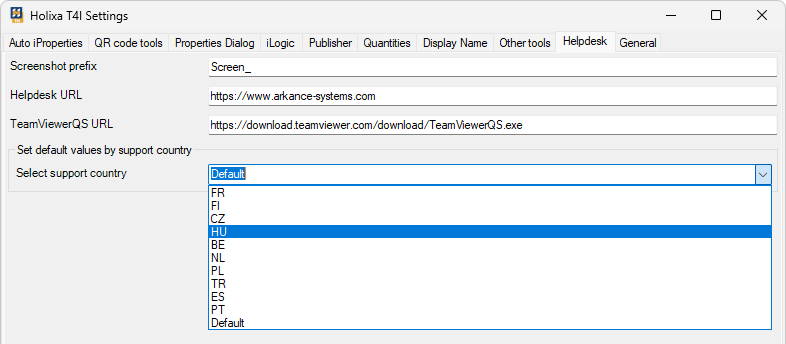
The Helpdesk tab contains settings for commands in `Be.Smart T4I ribbon -> Helpdesk` section.
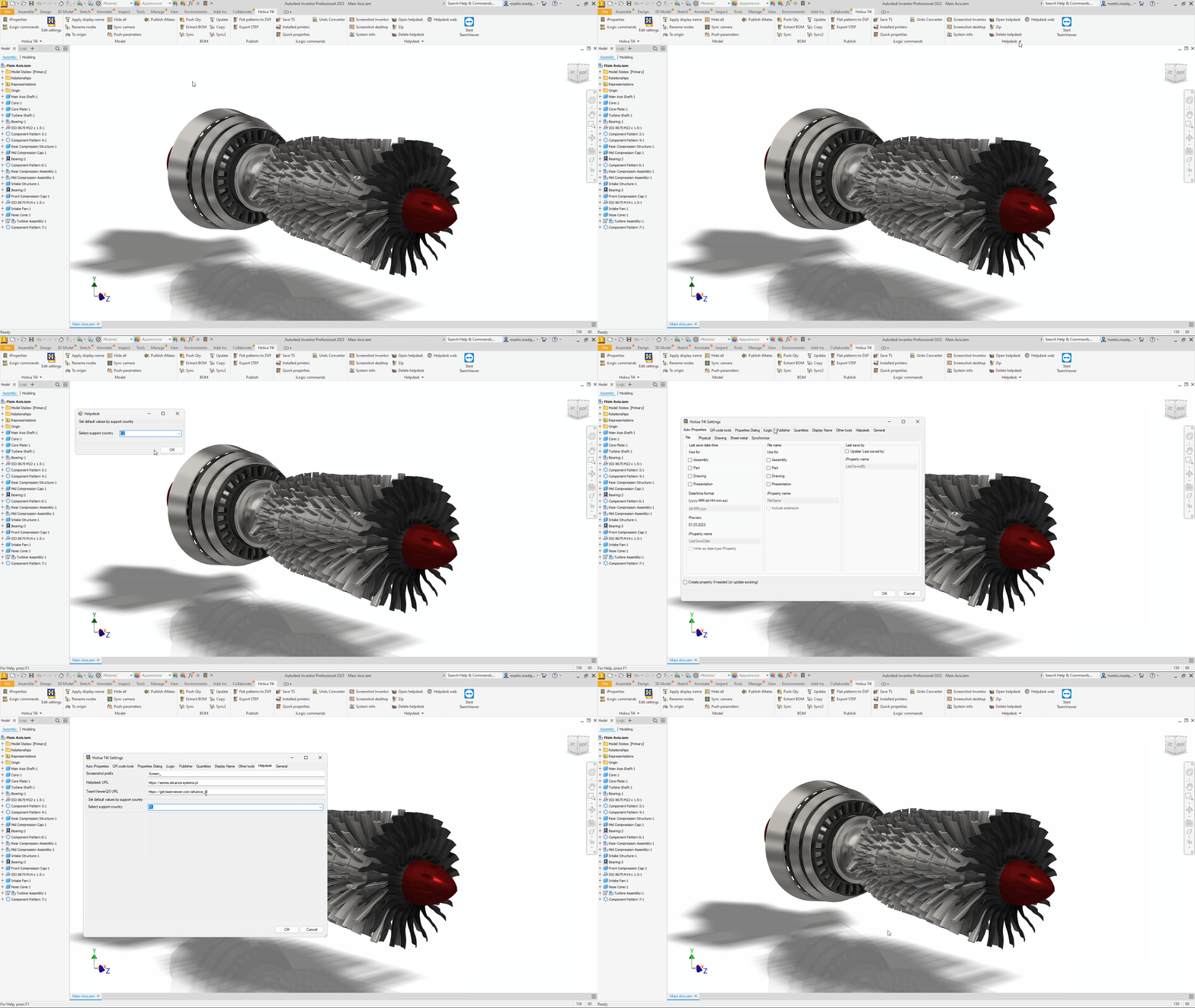
In a default state after the installation, Helpdesk URL, TeamViewerQS URL, and the support country fields are empty. When the support page is first accessed (see the [Helpdesk web](/holixa-tools4inventor/commands-overview/helpdesk/helpdesk-web.md) command), the user can select the desired country of technical support. Field values in the Helpdesk tab are then adjusted accordingly. If necessary, they can be changed any time later - either by selecting from the Select support country drop-down list or manually by entering the custom values directly.
## Example of adjusting the Helpdesk settings
Adjusting the Helpdesk settings based on the support country