> For the complete documentation index, see [llms.txt](https://help.holixa.com/holixa-tools4inventor/llms.txt). Markdown versions of documentation pages are available by appending `.md` to page URLs; this page is available as [Markdown](https://help.holixa.com/holixa-tools4inventor/commands-overview/helpdesk/screenshot-desktop.md).
# Screenshot Desktop
## Command Description
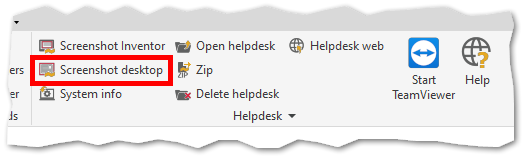
This command takes a screenshot of the entire desktop and saves it in the helpdesk folder in `C:\Users\--USER--\AppData\Local\Temp\Holixa\T4I\Helpdesk`.
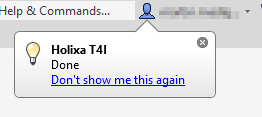
A notification pop-ups after the command is successfully executed.
## Command Location
* All environments
## Command Settings
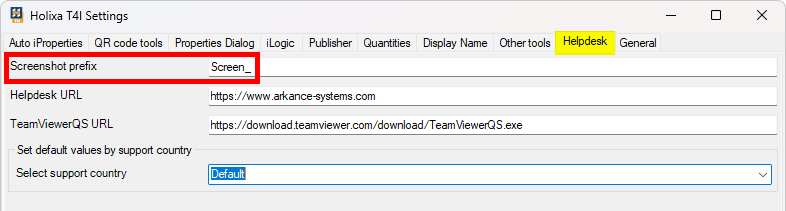
`Be.Smart T41 ribbon -> Be.Smart T4I -> Edit settings -> Helpdesk tab -> Screenshot prefix`.
The value in the screenshot filename prefix field can be changed if needed.