> For the complete documentation index, see [llms.txt](https://help.holixa.com/holixa-erp-picker/llms.txt). Markdown versions of documentation pages are available by appending `.md` to page URLs; this page is available as [Markdown](https://help.holixa.com/holixa-erp-picker/erp-picker-inventor-add-on/overview-of-commands/be.smart-erp-picker/about.md).
# About
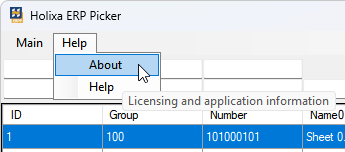
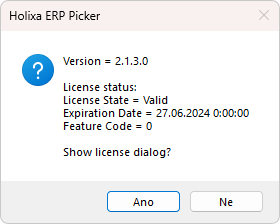
The command is located in the `Help` menu of the Holixa ERP Picker dialog box. When run, it displays a dialog box with information about the license status.
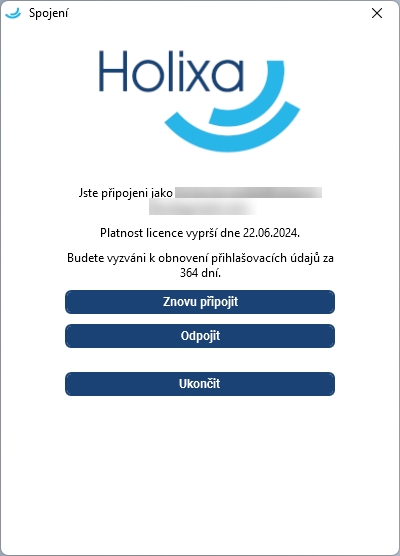
Select *Yes* to display the Holixa licensing settings window, which can be used to log in to the license or, for example, to change the license type.