> For the complete documentation index, see [llms.txt](https://help.holixa.com/holixa-erp-picker/llms.txt). Markdown versions of documentation pages are available by appending `.md` to page URLs; this page is available as [Markdown](https://help.holixa.com/holixa-erp-picker/erp-picker-inventor-add-on/overview-of-commands/config.md).
# Config
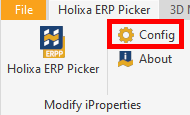
The command activates the configuration form.
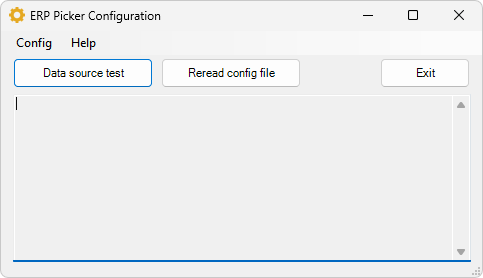
Displays a form with tools for managing the configuration and connection to the data source.
#### Connection test
Tests the availability of the data source
#### Refresh configuration
Restarts the connection and configuration changes if they have been modified (no need to restart Inventor).
#### Exit
Closes the form.