> For the complete documentation index, see [llms.txt](https://help.holixa.com/holixa-tools4inventor/llms.txt). Markdown versions of documentation pages are available by appending `.md` to page URLs; this page is available as [Markdown](https://help.holixa.com/holixa-tools4inventor/whats-new/version-26.1.1.0.md).
# Version 26.1.1.0
Released on 27th July 2023
## Fixes
* Fixed error in [Push Qty](/holixa-tools4inventor/commands-overview/bom/push-qty.md) command caused by suppression of some components when model states were used.
* Removed behavior when multiple annotation commands could be run at once but only the first command was executed.
* Removed behavior when a single annotation command could be run multiple times, but only the first run was executed.
## New features and improvements
* [Align hatches](/holixa-tools4inventor/commands-overview/annotations/align-hatching.md) command was renamed to *Align hatching*.
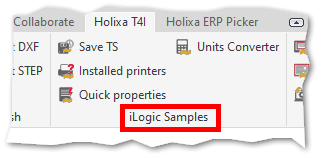
* The [iLogic Commands](/holixa-tools4inventor/commands-overview/ilogic-samples.md) panel was renamed to *iLogic Samples* to better distinguish it from the [iLogic commands](/holixa-tools4inventor/commands-overview/be.smart-t4i/ilogic-commands.md) editor window.
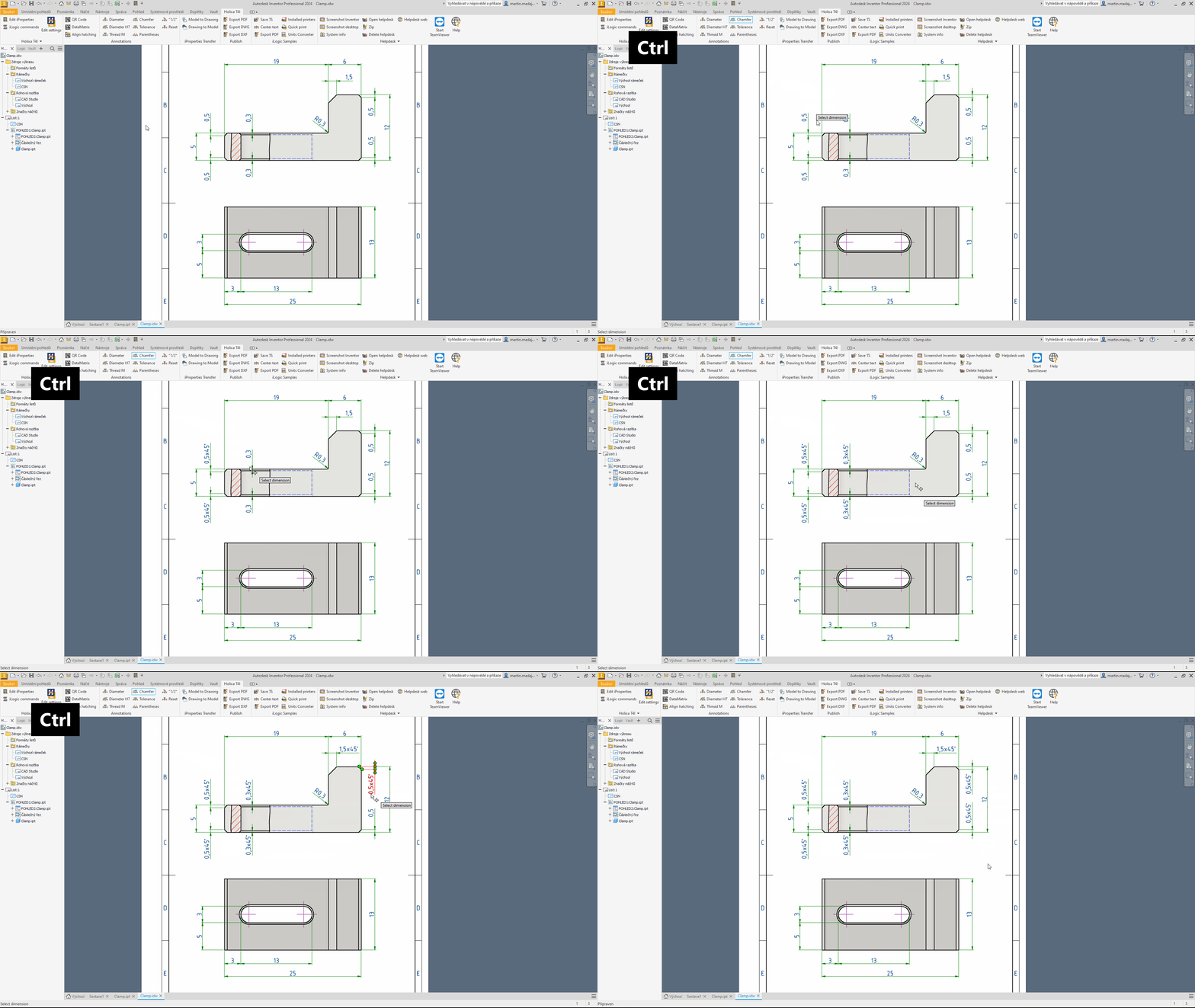
* The Annotation commands that can modify the dimension text (like Diameter, Diameter H7, Thread M, Chamfer, Tolerance, Parentheses, 1/2, or Reset) can now be used repeatedly.
* After running the command, hold the *Ctrl* key and select as many dimensions as you want. Once you release the *Ctrl* key, you can perform one more selection, or you can terminate the command with the *Esc* key.
Improved behavior of some annotations commands
* That is to say, without the *Ctrl* key, only one selection is possible and the command will terminate automatically.
* Another method of dimension selection that still remains valid is to select multiple dimensions before running the annotation command.