> For the complete documentation index, see [llms.txt](https://help.holixa.com/holixa-erp-picker/llms.txt). Markdown versions of documentation pages are available by appending `.md` to page URLs; this page is available as [Markdown](https://help.holixa.com/holixa-erp-picker/erp-picker-inventor-add-on/overview-of-commands/be.smart-erp-picker.md).
# Be.Smart ERP Picker
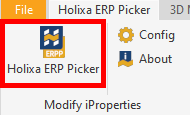
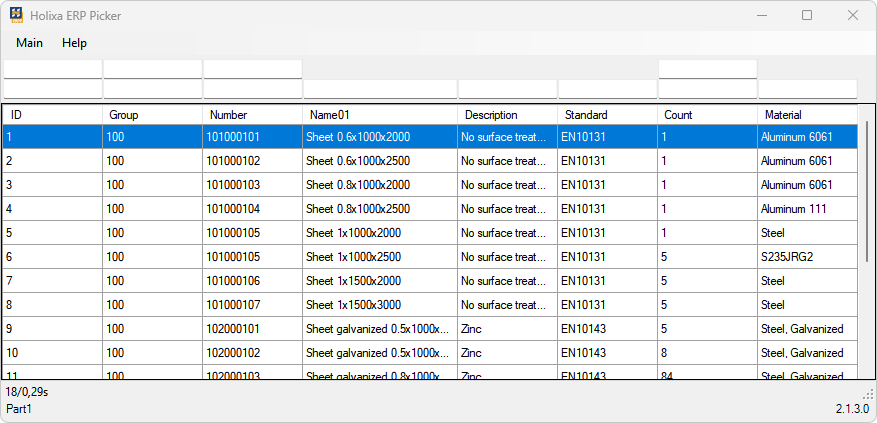
The command is used to launch the main application window (selection form), in which the selection of rows (attribute values) for writing to the Inventor document iProperties takes place.
{% hint style="warning" %}
In the assembly environment, it is necessary to select the component (component or subassembly) to which the values will be written before activating the command.
{% endhint %}
{% hint style="info" %}
In the drawing environment, the document to which the first view of the drawing refers is automatically selected.
{% endhint %}