> For the complete documentation index, see [llms.txt](https://help.holixa.com/t4r/llms.txt). Markdown versions of documentation pages are available by appending `.md` to page URLs; this page is available as [Markdown](https://help.holixa.com/t4r/features/list-of-features/import-dtm.md).
# Import DTM
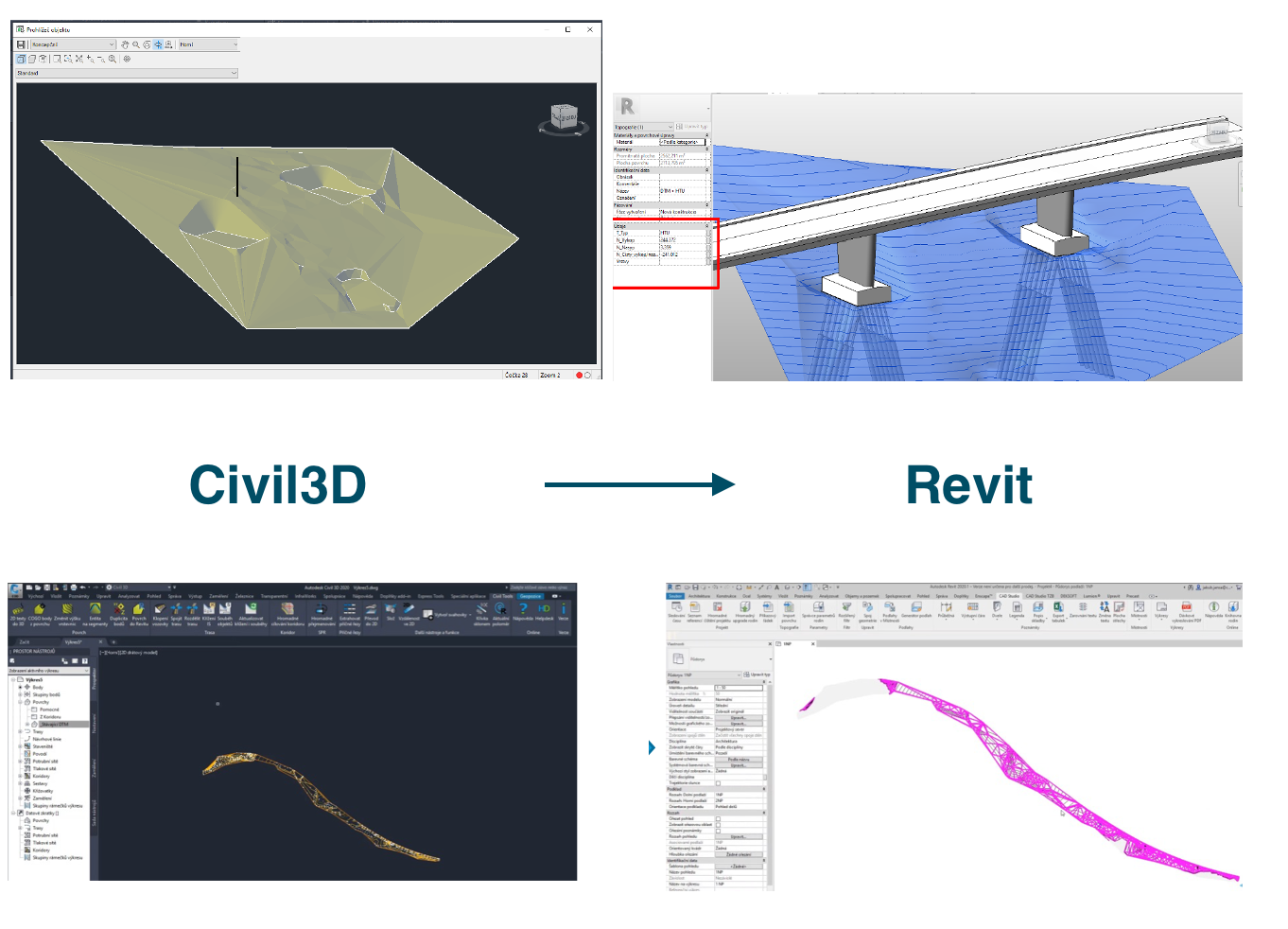
Loads terrain surface from Civil 3D including flowlines with all edges in shared coordinates.
**Icon:**
**Location:** ribbon Holixa T4R, panel Civil3D
**Packages:** Holixa T4R Silver
{% hint style="info" %}
### Main functionalities and benefits:
* Enhanced interoperability when working with Civil3D
* Help creates a topography that respects the settings from Civil 3D (shared coordinates, rotation, etc ...)
* Create better and more accurate topography with information of fill/cut volume
{% endhint %}
### **Overview**
The function Import DTM simplifies cooperation when designing buildings and civil infrastructure projects. Loads terrain surface from Civil 3D including flowlines with all edges in shared coordinates. Imports terrain models by loading XML files created by the function
Export surface from Autodesk Civil 3D using the add-on tool Civil Tools.