> For the complete documentation index, see [llms.txt](https://help.holixa.com/t4r/llms.txt). Markdown versions of documentation pages are available by appending `.md` to page URLs; this page is available as [Markdown](https://help.holixa.com/t4r/features/list-of-mep-features/route-length.md).
# Route Length
Displays the total length of selected route elements
**Icon:**
**Location:** ribbon Holixa T4R MEP, panel Parameters
**Packages:** Holixa T4R Bronze | Holixa T4R Silver
{% hint style="info" %}
### Main functionalities and benefits:
* Displays total length od selected elements in one click
* Easy and simple to use
{% endhint %}
### Overview
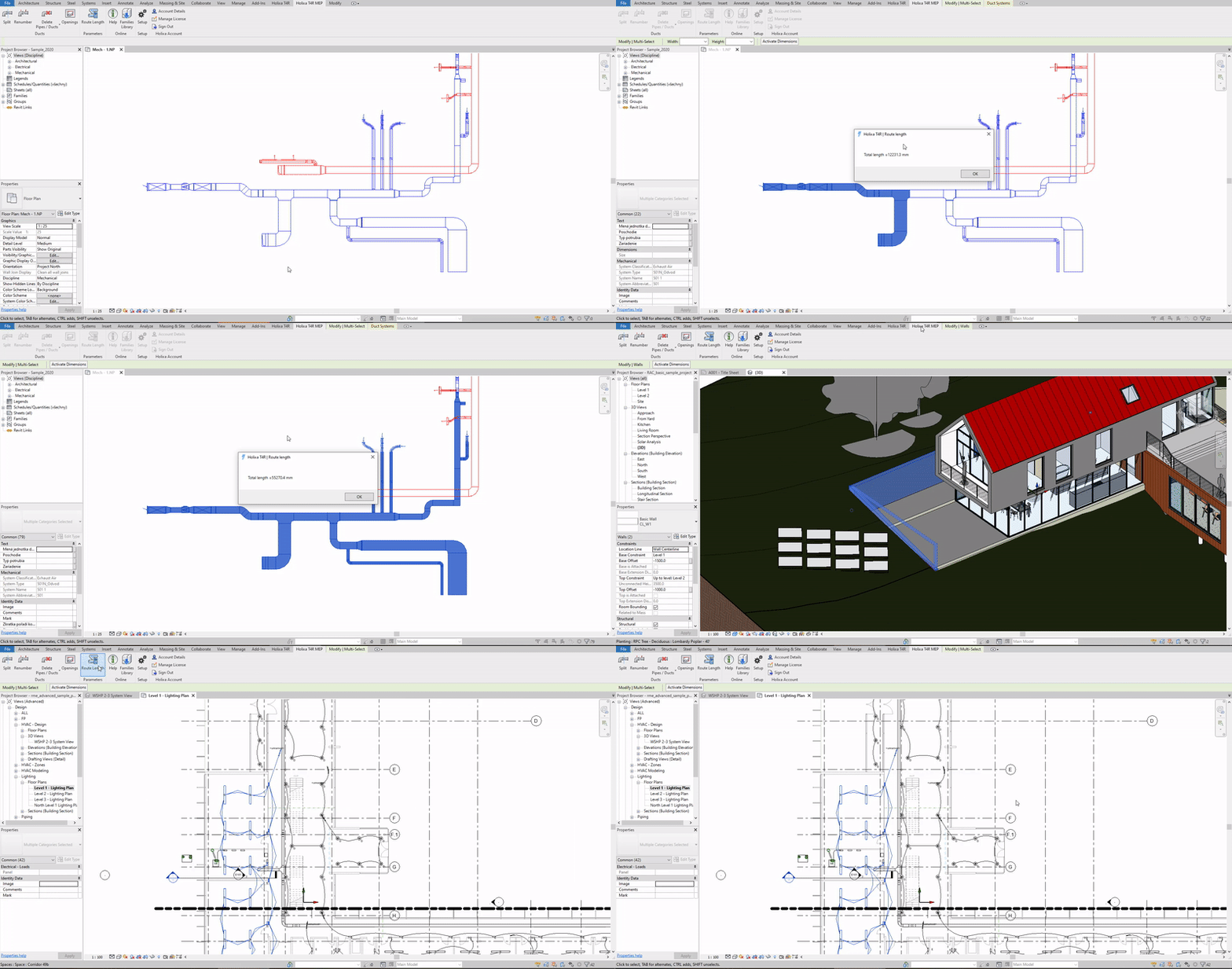
This function can quickly calculate the total length of selected MEP elements.
### How to use it?
Select several ducts / pipes from the model and run the Route Length command. The tool displays the total length of the selected route.
#### Click to play the video tutorial ↓
{% file src="/files/b5rpbdccjGzG0rOY0zxM" %}