> For the complete documentation index, see [llms.txt](https://help.holixa.com/t4r/llms.txt). Markdown versions of documentation pages are available by appending `.md` to page URLs; this page is available as [Markdown](https://help.holixa.com/t4r/features/list-of-mep-features/renumber.md).
# Renumber
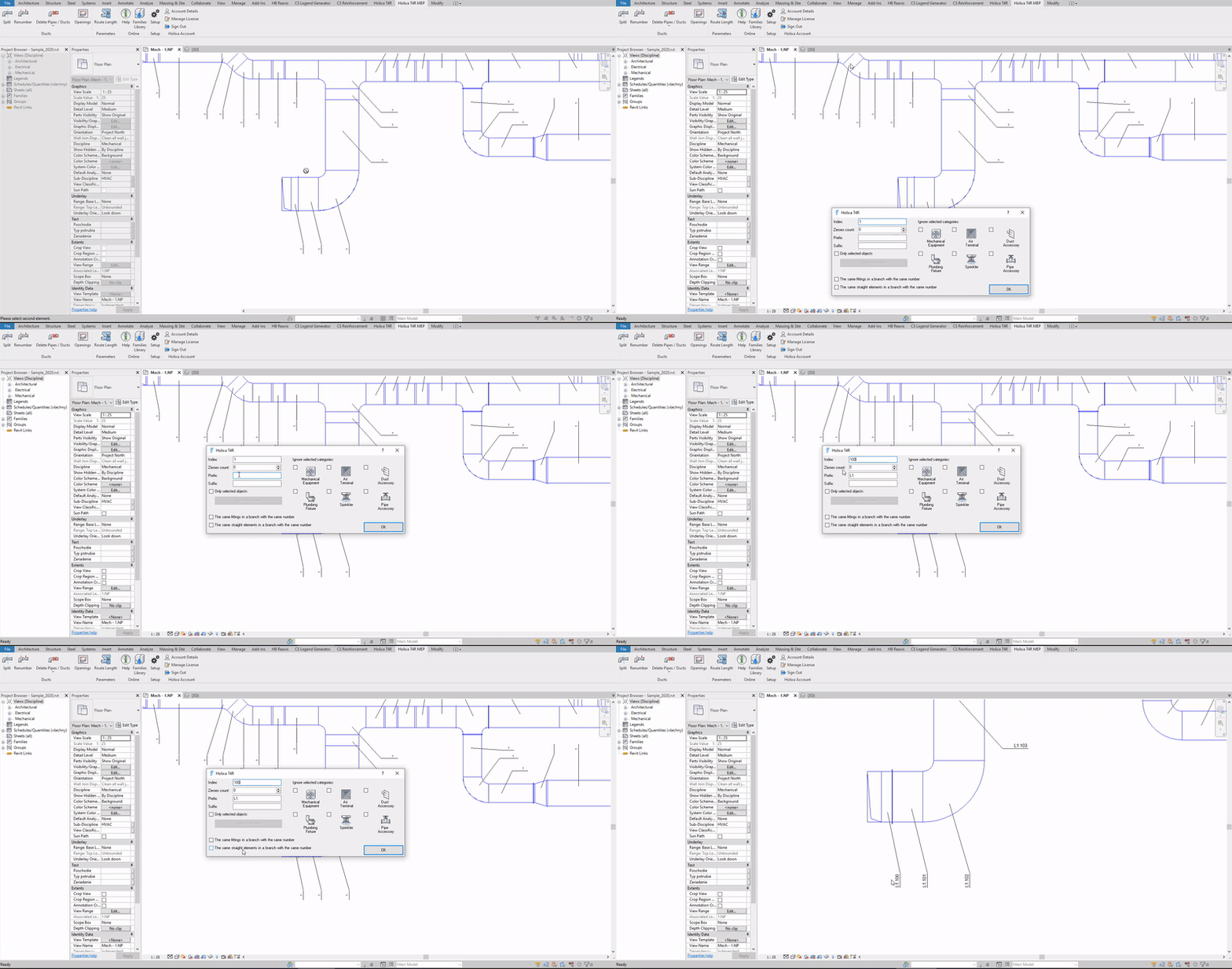
Renumbers all devices and ducts in the selected branch from a given number
**Icon:**
**Location:** ribbon Holixa T4R MEP, panel Modify
**Packages:** Holixa T4R Silver
{% hint style="info" %}
### Main functionalities and benefits:
* Create better and more accurate documentation
* Easier access to all MEP elements in a branch
{% endhint %}
### Overview
The function Renumber ducts renumbers all devices and ducts in the selected branch from a given number. Just select the first element of the duct branch.
If you renumber only a part of the duct, select the start point and the direction of renumbering. In case the branch contains element of the same type and size, it will be assigned the same number.
#### Click to play the video tutorial ↓
{% file src="/files/EWrUAvieudWkSOgnOv4J" %}