> For the complete documentation index, see [llms.txt](https://help.holixa.com/t4r/llms.txt). Markdown versions of documentation pages are available by appending `.md` to page URLs; this page is available as [Markdown](https://help.holixa.com/t4r/features/list-of-mep-features/duct-description.md).
# Duct Description
Enables you to automatically insert duct tags on the connectors
**Icon:**
**Location:** ribbon Holixa T4R MEP, panel Description
**Packages:** Holixa T4R Silver
### Overview
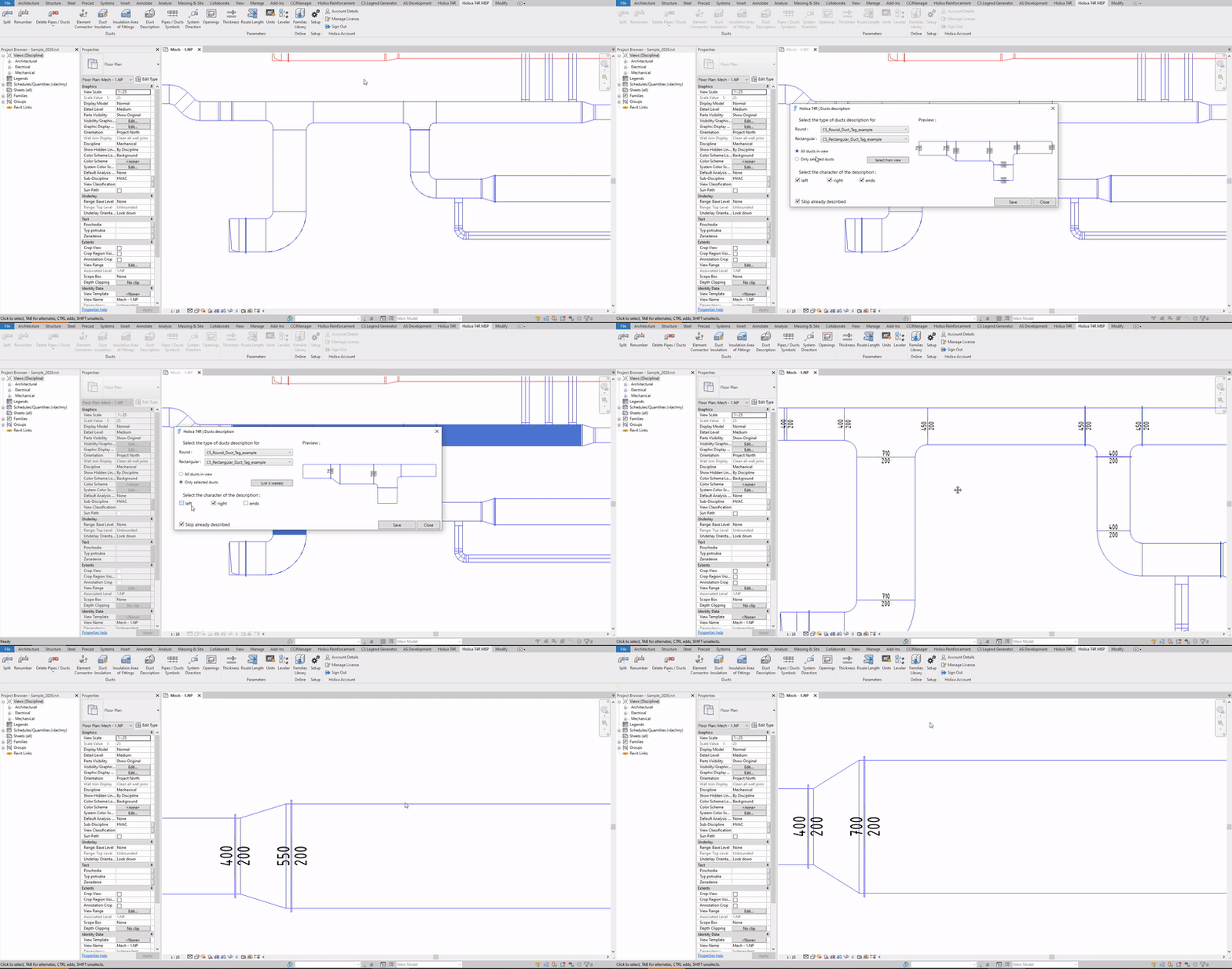
The Duct Description function adds duct annotation labels at all connector points.
In the settings, you can select the requested annotation element from the list - for circular and rectangular ducts, or you can apply the labels to all elements in the view or just to the selected ones.
You can also select the label insertion style - left, right, both ends, etc.
#### Click to play the video tutorial ↓
{% file src="/files/RUqTDBrxmEaPg27GSQ7V" %}